Your personal link library
Keep good finds
where you can find them again.
Articles to read, places for your next trip, references for work.
Gather scattered links in one place and organize them your way.
Free to start. Use the same account on your phone and computer.
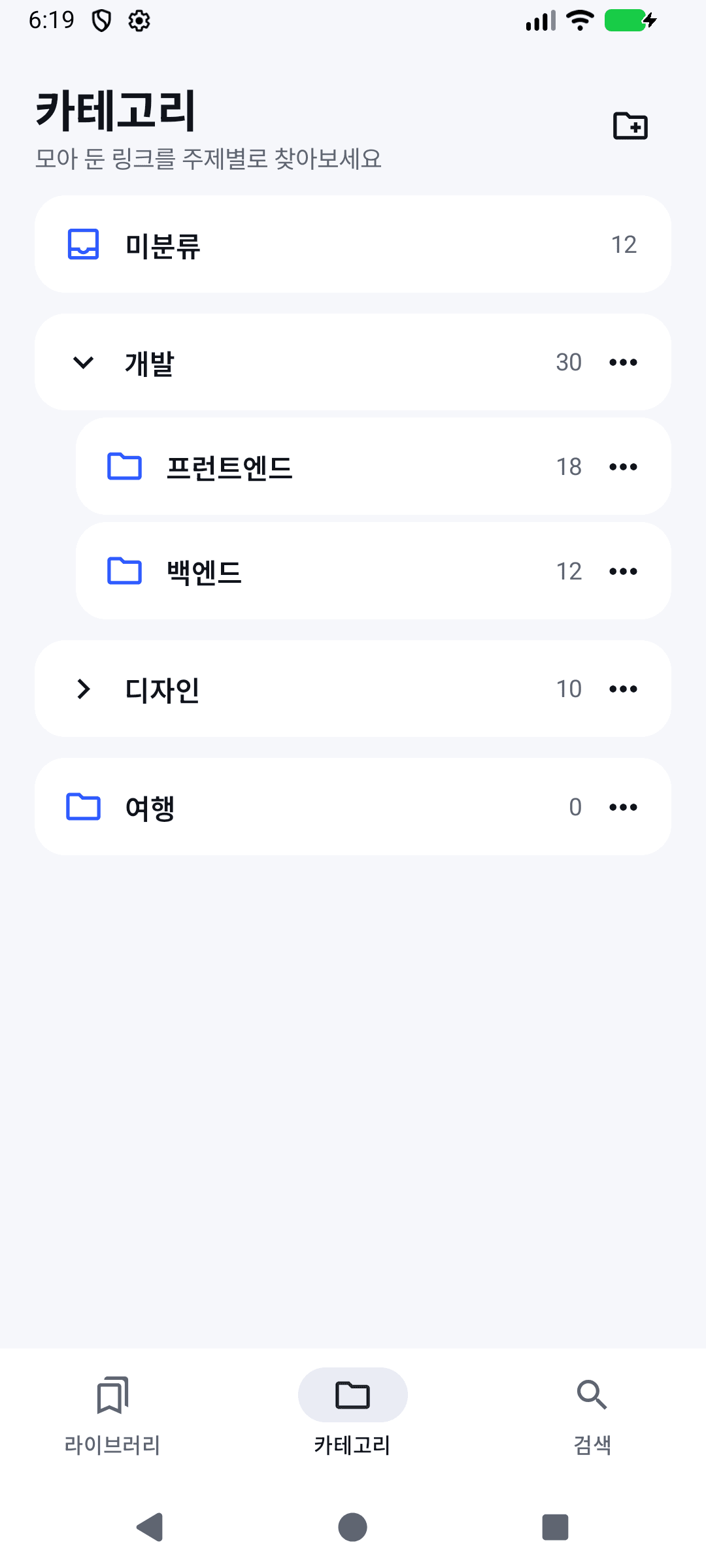
Collect broadly,
split only as much as you need.
“Frontend” and “Backend” inside “Development”.
Categories and subcategories
make it obvious where to look later.
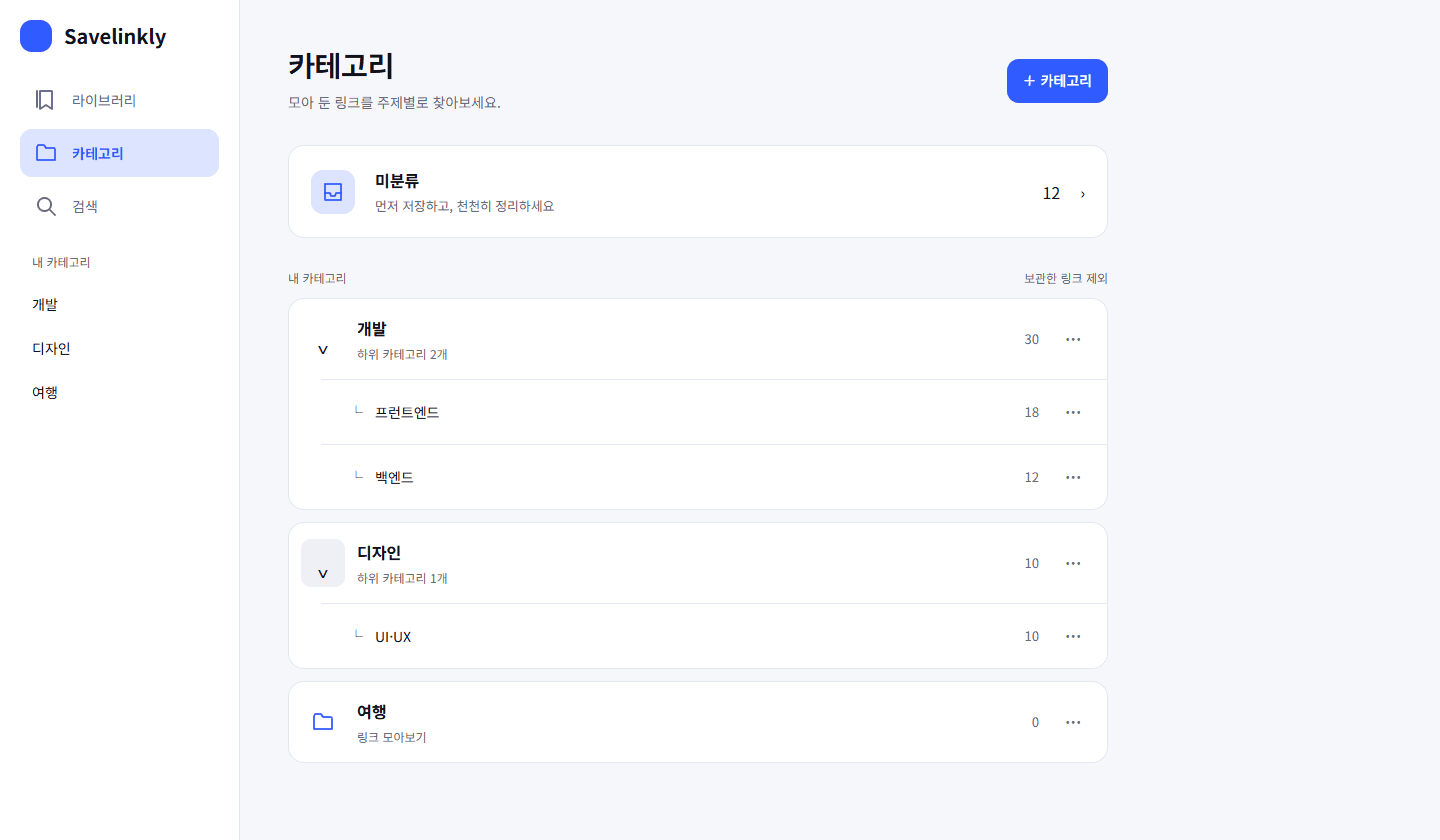
- Organize later — that's fine
- Save to Unsorted first and move many links at once. You can undo right after a move.
- Places and tags are separate
- Each link lives in one place. Use tags when it belongs to several topics.
- You choose what to share
- Pick which subcategories to publish. New subcategories are never published automatically.
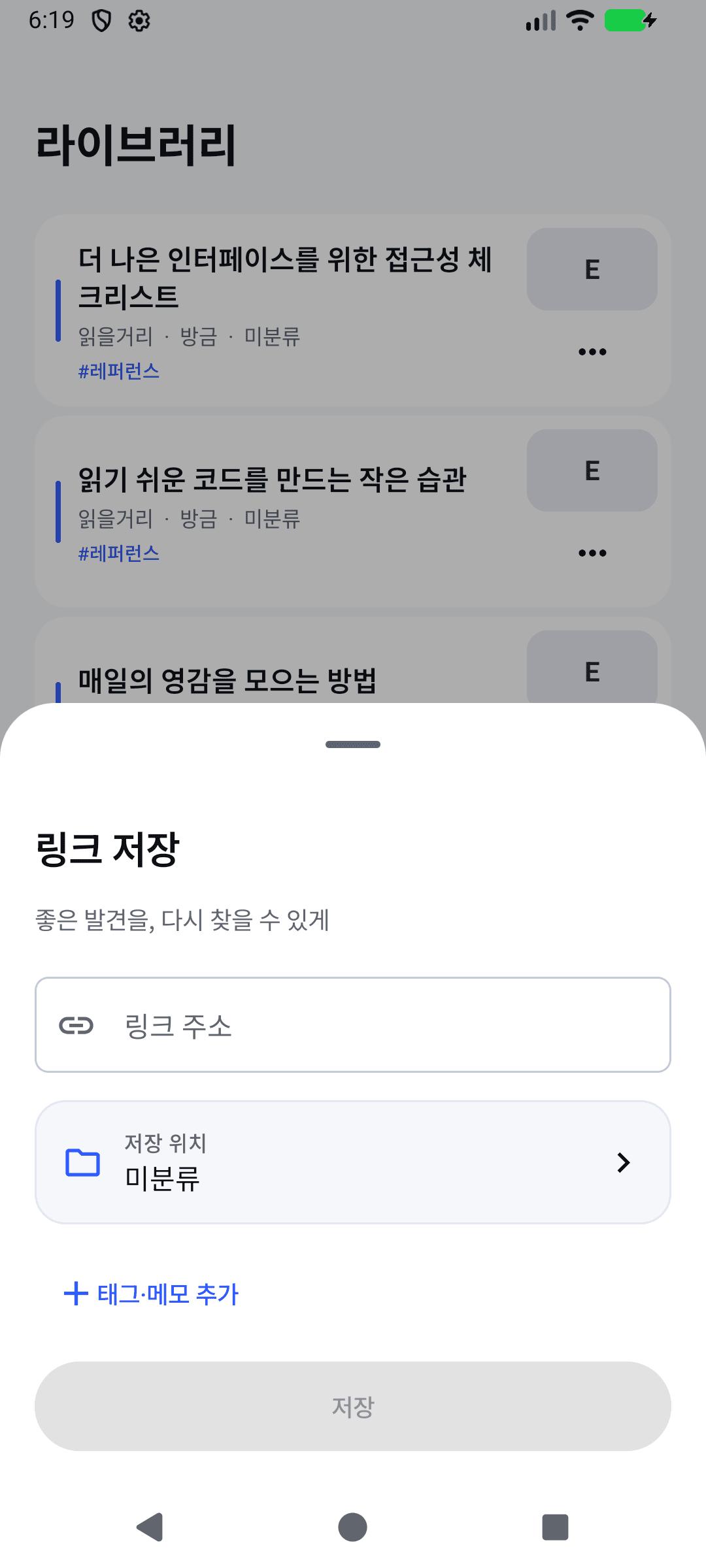
Saving is light.
Finding again is fast.
Save from wherever you are
The share button on your phone, the extension on your computer, or paste an address on the web.
Picking a place is enough
Choose a category and save. Add tags and a note only when you want to.
Find it with the words you remember
Search titles, tags and saved article text — archived links included — and reuse recent searches.
Lost connection on Android? Saves wait in the outbox and go through once you're back online.
Start on the device you're using.
On the web, nothing to install
Sign in from your browser and paste your first link.
Works on iPhone and iPad too, and you can install it to your home screen.
Save from iPhone or other browsers (bookmarklet · Shortcuts · email)
Android app
Install the APK and sign in. Choose Savelinkly from your browser's share menu to save.
Download the Android appChrome · Firefox extension
Save from the toolbar while you read. Sign in with the same account to keep one library.
Extension install guideBefore you start
Do I need to create categories first?
No. Save to Unsorted first. Create categories as links pile up, and split them into subcategories when you need to.
Can anyone see my links?
Your library is visible only to your account. Only collections you publish are shared by address, and they never show archived links, notes or tags.
Is my search history on other devices?
Recent searches stay on each device or browser, per account. Remove them one by one or all at once from the search screen.
Can I switch devices or move my data?
Sign in with the same account and your saved links follow you. A JSON export keeps the category structure, article text and highlights.
The app isn't on the Play Store.
Install the Android app from the APK on this site and allow installs from that source when asked. Android 8.0 or later is supported.